The Trash
Deleted folders and bookmarks wait in the Trash for 30 days, so you can put them back.
When you delete a folder or bookmark it goes to the Trash, not away for good. A folder goes with everything in it.
Put something back
- Click Trash in the toolbar of the Organizer.
- Click Restore next to it.
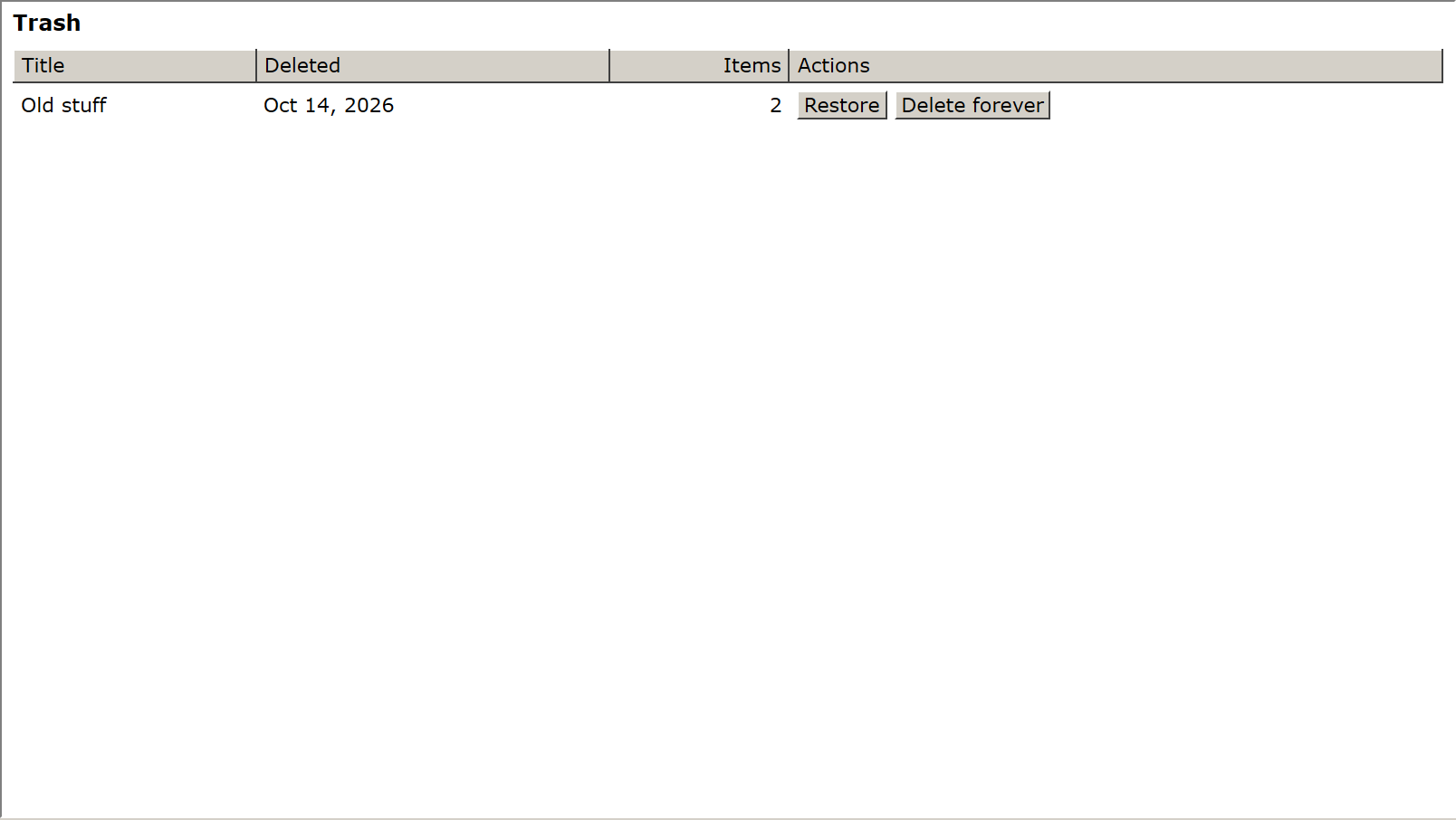
It goes back to the folder it came from. If that folder has gone too, it goes to Unsorted and the status bar says so.
Empty the Trash
- Delete forever removes one item now. This can't be undone.
- Anything in the Trash for more than 30 days is removed automatically.
Click Trash again (or List) to go back to your folders.